Membership Portal


To start a new account, select “Forgot Password”. You must use the same email that you used in signup for your membership.

Website Browser Instructions

  • The screen will open to the Overview page.
  • On the left-hand side, click on “Book Member Tee Time”
A screenshot of a user interface with a vertical navigation menu on the left, featuring options like 'Overview', 'Book Tee Time', and 'Book Member Tee Times' (highlighted). The right side shows a partial product image and a 'Recent Purchases' list with order IDs.
  • The “+” will indicate the open tee times.
A golf tee time booking screen for Prairie Landing Golf Course on June 11, 2024, showing booked slots in green with names or 'Anonymous', and available slots as white boxes with a plus sign.
  • It will then let you book tee times according to your membership type
A screenshot of a golf tee time booking interface. It shows selections for 18 holes and two players, with input fields for player notes and dropdowns for 'Ultimate Rate $0' for Player 1 and 'Weekday Rate $35' for Player 2. A 'Continue to Book' button is visible at the bottom right.

Download the Prairie Landing Golf Club App

Google Play

  1. Open Google Play. – On your device, use the Play Store app and on your computer, go to play.google.com.
  2. Find the “Prairie Landing Golf Club” App
  3. Tap Install

Apple App Store

  1. Open the App Store app
  2. Browse or search for “Prairie Landing Golf Club”
  3. Tap Get for the app
  4. Authenticate with Face ID, Touch ID, or your passcode

Mobile App Instructions for Members

  • Open the App
  • Click on “Sign Up”
Mobile app splash screen for Prairie Landing Golf Club, featuring a golfer in the background, the club's logo, title, and prominent 'SIGN UP' and 'SIGN IN' buttons at the bottom.
  • Fill out information
Mobile app sign-in screen with fields for email and password, a 'Keep me Signed in' checkbox, and a 'SIGN IN' button. Below, there's a password recovery section with an email field and an 'Email Reset Link' button, plus a 'Sign up' link.
  • Click on “Member Portal”
A sign-up form with fields for first name, last name, email, password, and confirm password, along with a checkbox for terms and privacy policy, and a 'SIGN UP' button. Below, there's a 'Sign In' link for existing members.
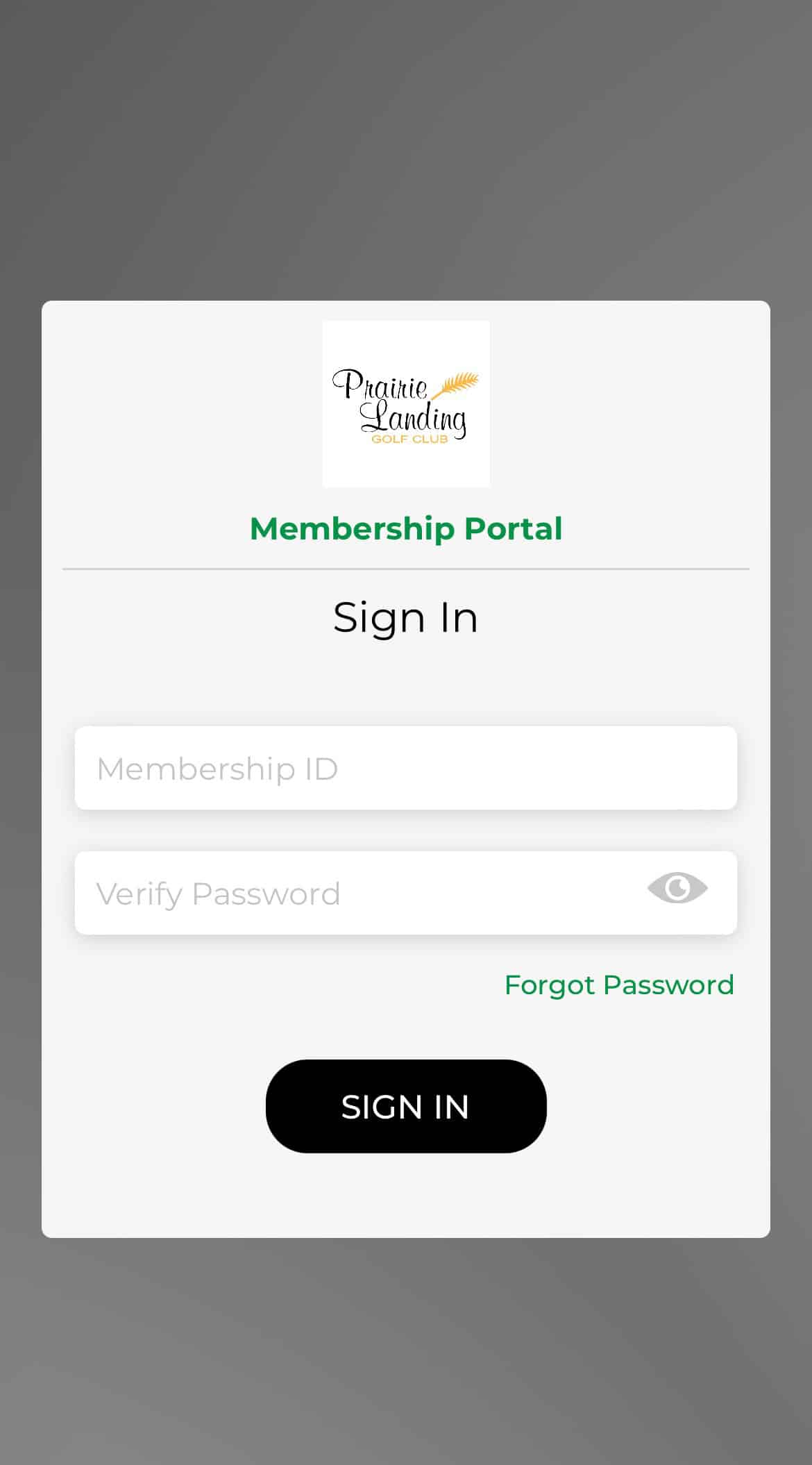
  • Sign in to the member portal (use the same information as the web browser)
A login screen for the Prairie Landing Golf Club Membership Portal, showing fields for Membership ID and Password, a 'Forgot Password' link, and a 'Sign In' button.
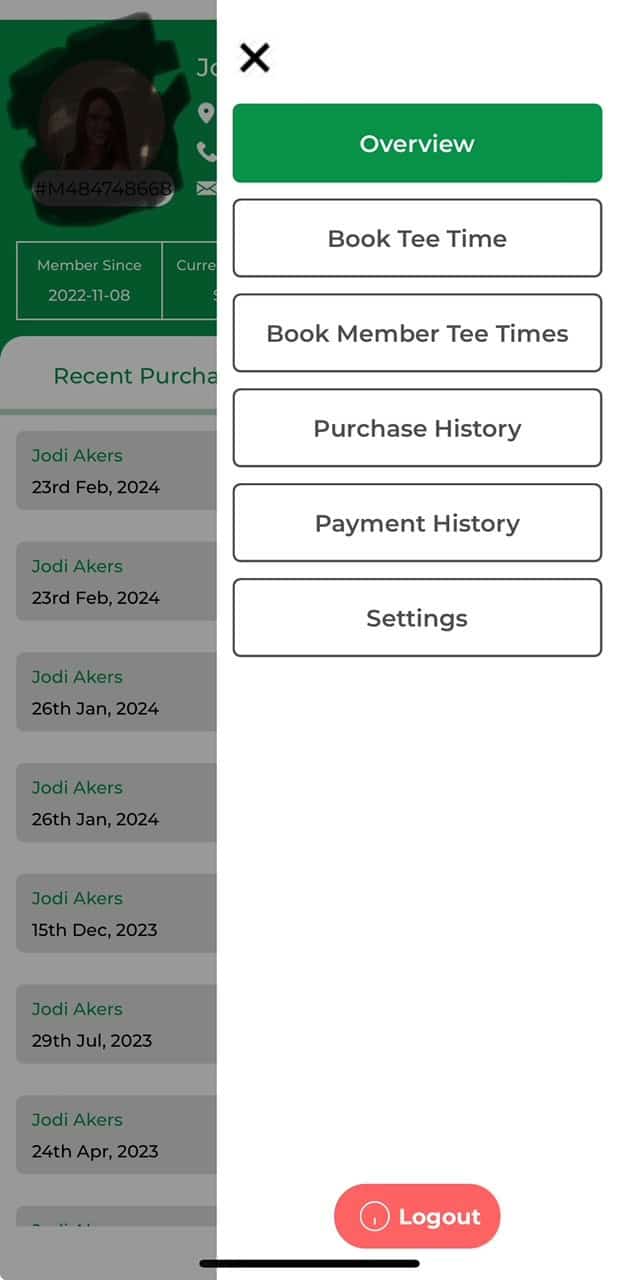
  • Once you are logged in, you can click on the 3 lines in the upper-right-hand.
  • Then click on “Book Member Tee Time”
A mobile app screen showing a user profile partially obscured by an active menu. The menu features options like 'Overview', 'Book Tee Time', 'Book Member Tee Times', 'Purchase History', 'Payment History', 'Settings', and a 'Logout' button. The profile section displays a member ID, 'Member Since' date, and a list of recent purchases.