Golf
Facilities & Amenities
Online Merchandise
Tour Our Course
Golf Rates
Golf Outings
Golf Outing Quote
Golf Membership
Membership Questions
Membership Application
Membership Agreement & Policies
Membership Portal
Golf Lessons
Weddings & Events
Weddings
Showers, Events, & Meetings
Special Event Request Form
McChesney’s Pub & Grill
Hours & Amenities
Menu
Calendar
Contact Us
Directions & Map
Join Our E-Club
Download Mobile App
Employment Opportunities
Book a Tee Time
What are you looking for?
Search Prairie Landing Golf Club
Golf
Facilities & Amenities
Online Merchandise
Tour Our Course
Golf Rates
Golf Outings
Golf Outing Quote
Golf Membership
Membership Questions
Membership Application
Membership Agreement & Policies
Membership Portal
Golf Lessons
Weddings & Events
Weddings
Showers, Events, & Meetings
Special Event Request Form
McChesney’s Pub & Grill
Hours & Amenities
Menu
Calendar
Contact Us
Directions & Map
Join Our E-Club
Download Mobile App
Employment Opportunities
Book a Tee Time
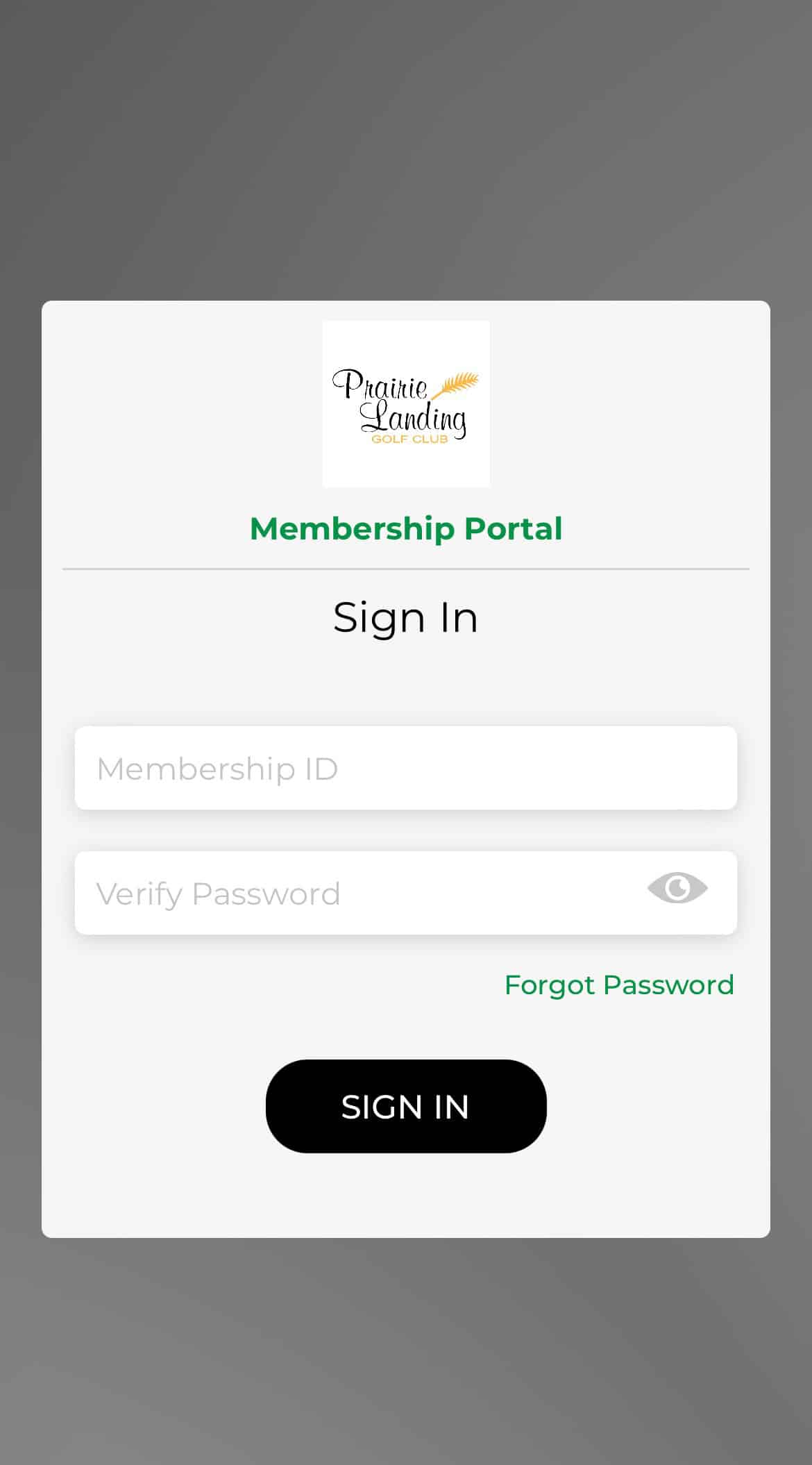
Membership Portal
To start a new account, select “Forgot Password”. You must use the same email that you used in signup for your membership.
Access the Membership Portal
(opens in new tab)
Website Browser Instructions
Step 1
The screen will open to the Overview page.
On the left-hand side, click on “Book Member Tee Time”
Step 2
The “+” will indicate the open tee times.
Step 3
It will then let you book tee times according to your membership type
Download the Prairie Landing Golf Club App
Google Play
Open Google Play. – On your device, use the Play Store app and on your computer, go to play.google.com.
Find the “Prairie Landing Golf Club” App
Tap Install
Download on Google Play Store
(opens in new tab)
Apple App Store
Open the App Store app
Browse or search for “Prairie Landing Golf Club”
Tap Get for the app
Authenticate with Face ID, Touch ID, or your passcode
Download on App Store
(opens in new tab)
Mobile App Instructions for Members
Step 1
Open the App
Click on “Sign Up”
Step 2
Fill out information
Step 3
Click on “Member Portal”
Step 4
Sign in to the member portal (use the same information as the web browser)
Step 5
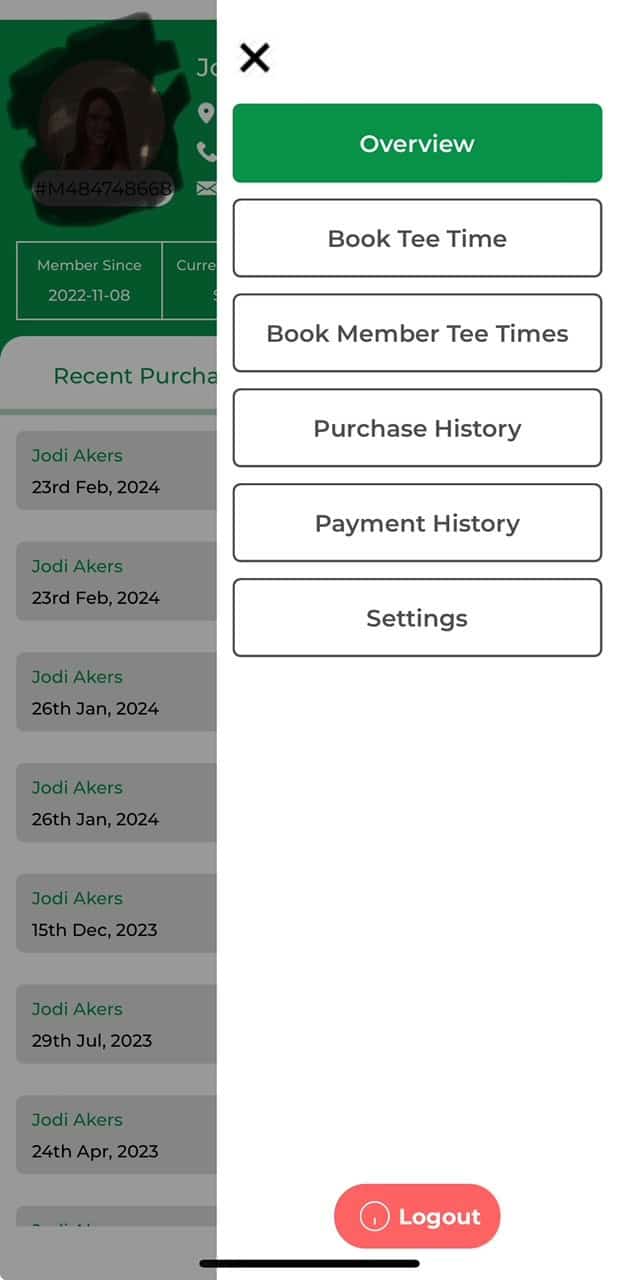
Once you are logged in, you can click on the 3 lines in the upper-right-hand.
Then click on “Book Member Tee Time”
0